Introduction
Implementing 301 redirects correctly helps websites preserve access to important pages, guide visitors to relevant content, and communicate permanent URL changes to search engines. To support a trustworthy 301 redirect SEO, mapping the old URLs to their eventual destination is a proven technique, and using rules on the server-side is essential to ensure that all redirects work and do not result in broken pages and unnecessary hops.
Key Takeaways
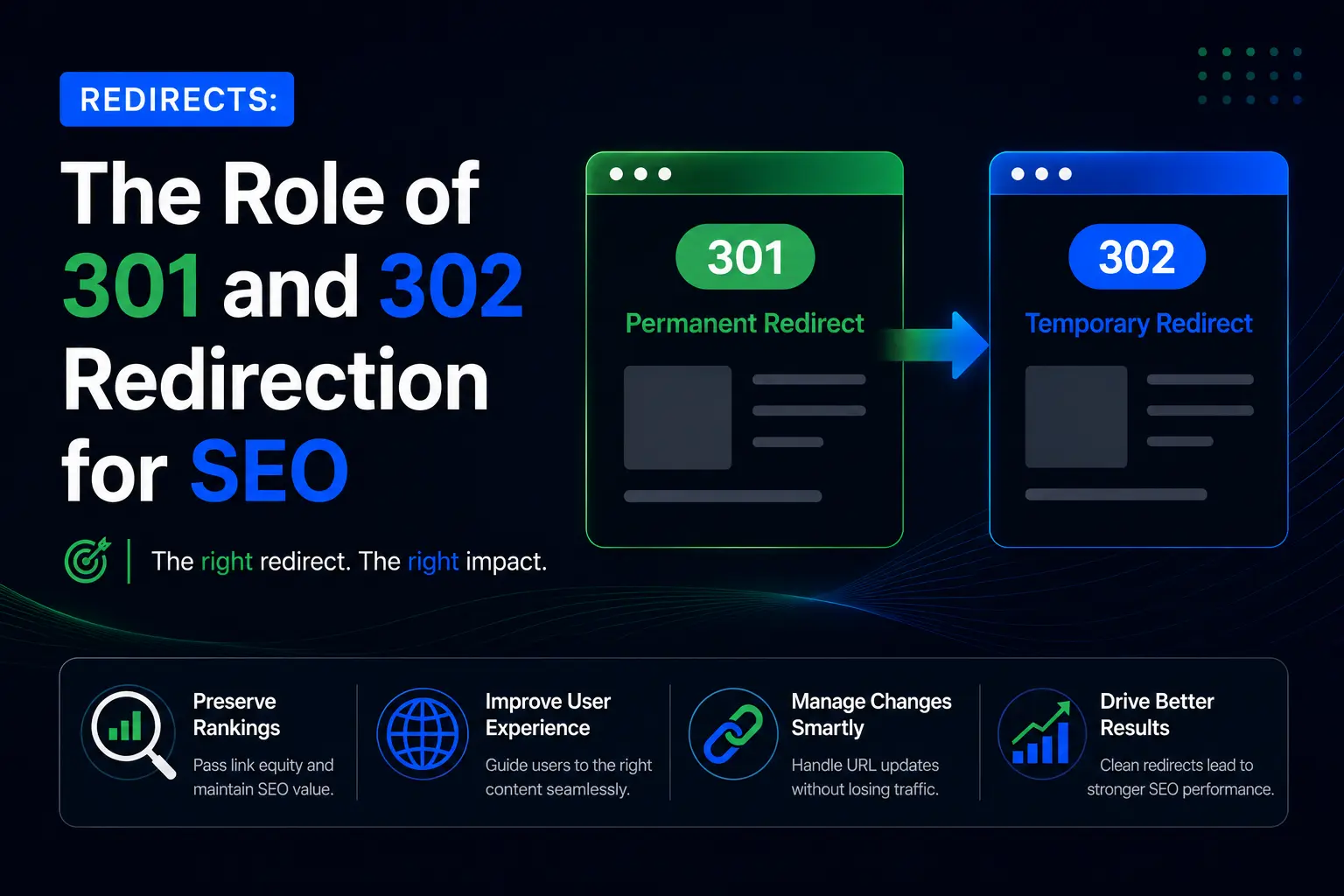
- 301 vs. 302 Redirects: Use 301 for permanent URL changes and 302 for temporary moves to communicate the correct intent to search engines.
- URL Mapping: Map each old URL to its final, relevant destination to avoid unnecessary redirect hops.
- Correct Implementation: Configure redirects properly in Apache, NGINX, WordPress, or your website platform.
- Chain and Loop Prevention: Test redirect paths to identify unnecessary hops, loops, and broken destinations.
- SEO Monitoring: Update internal links, sitemaps, and canonical tags, then monitor performance through Google Search Console.
What Does a 301 Redirect Do?
A 301 redirect permanently sends visitors and search engines crawlers of an old URL to a new one. It provides an HTTP status code that it has changed permanently and assists search engines in knowing that the URL is to be considered as a canonical one, as explained in Google Search Central's guide to permanent redirects.
For example, if /old-services/ is replaced by /digital-marketing-services/, a 301 redirect automatically sends visitors to the new address.
Common uses include:
- Changing a page's URL structure.
- Moving a website to HTTPS or a new domain.
- Consolidating duplicate pages.
- Replacing outdated URLs with relevant alternatives.
By well-planned 301 redirect SEO strategy, ranking signals can be concentrated and existing pages that have got backlinks can still be retained. However, redirects are not aimed at maintaining the same ranking. In the event that a deleted page lacks a meaningful alternative, then a 404 or 410 response can be more suitable than a redirect to an irrelevant page.
When Should You Use a 301 vs. a 302?
A permanent move should be redirected with a 301 and a temporary change should be redirected with a 302. The proper status code selection aids to transmit the anticipation that the original URL will provide back or a permanent replacement.
A permanent move should be redirected with a 301 and a temporary change should be redirected with a 302. The proper status code selection aids to transmit the anticipation that the original URL will provide back or a permanent replacement.
| Situation | Redirect type | Purpose |
| Permanent URL change | 301 | Signals a permanent move |
| Temporary maintenance | 302 | Indicates a temporary change |
| Permanent domain migration | 301 | Directs visitors to the new domain |
| Temporary landing-page test | 302 | Indicates a temporary change |
Google considers permanent redirects a strong canonicalization signal. Temporary redirects do not convey the same permanent signal, but still Google can choose an alternative URL as canonical one based on alternative evidence.
In the case of 301 redirect SEO, make decisions based upon the actual length of time and intent of the update, and not on a preference that one status code would inherently be better ranked.
How Can You Map Old URLs to New URLs?
Before determining redirects, create a URL mapping spreadsheet. Each old URL should point directly to its final, relevant destination. This is especially essential when carrying out website migration redirects because it helps prevent missing pages, incorrect destinations, and unnecessary redirect hops.
Begin with a sitemap and web crawl of URLs exported in your existing sitemap. Incorporate key landing pages that have been located using analytics and backlink tools.
Record the following details:
- Old URL and final destination.
- Redirect type and reason for the change.
- Content relevance and destination status.
- Testing results and implementation notes.
For example:
| Old URL | Final Destination | Action |
| /old-seo.html | /seo-services/ | 301 |
| /web-design-old/ | /website-development/ | 301 |
| /blog/seo-tips-2023/ | /blog/seo-tips/ | 301 |
Display match pages based on topic and user intent but not on just similar words. Without a good alternative, send out a proper 404 or 410 response rather than an irrelevant redirect.
How Can You Implement Redirects on Common Server Setups?
Take advantage of redirects on the server or platform where possible. These approaches send the HTTP status codes in a straightforward manner and offer a strong mechanism of announcing the permanently modified URLs. Test rules in the staging environment and backup configuration files to be deployed to a live website.
Apache (.htaccess):
Redirect 301 /old-page/ https://example.com/new-page/
This rule redirects the specified path to its destination. Apache's Redirect directive also supports matching paths beneath a specified directory.
NGINX:
location = /old-page/ {
return 301 https://example.com/new-page/;
}
The = makes this an exact path match. Therefore, /old-page without the trailing slash will not match this rule. If both versions need to redirect, configure and test an additional rule.
WordPress and other platforms: Use a reputable redirect plugin, hosting control panel, or built-in URL redirect settings. Verify the resulting status code rather than assuming that saving a rule makes it correct.
To have a reliable 301 redirect SEO implementation, one should also check with any conflicts in HTTPS implementation, domain canonicalization, trailing-slash rules, and existing redirects. Consult your hosting provider or developer before changing complex production configurations.
How Can You Find Redirect Chains and Loops?
Use a website crawler or HTTP header checker to inspect the full path from each old URL to its destination. A redirect chain occurs when one URL redirects to another URL that redirects again. A redirect loop occurs when requests repeatedly cycle between URLs without reaching a working destination.
For example, replace this sequence:
/old-page/ → /updated-page/ → /new-page/
With a direct redirect:
/old-page/ → /new-page/
Google recommends directing old URLs to their final destinations wherever possible. Its site-migration guidance notes that Googlebot can follow up to 10 hops, but shorter paths are preferable because they reduce latency and compatibility problems.
To find issues, crawl the site, review redirect reports, check destination status codes, and inspect existing rules that may conflict with new ones. Eliminating a redirect chain makes the configuration easier to maintain and helps visitors reach the intended page efficiently.
How Should You Test and Monitor Redirects?
Test redirects before launch, immediately after deployment, and regularly during the following weeks. Verify that each old URL returns the intended 301 response, the Location header points to the correct destination, and the final page loads successfully, normally with a 200 response.
Follow this checklist:
- Test HTTP and HTTPS, www and non-www versions, and trailing slashes where relevant.
- Check query parameters if the website depends on them.
- Update internal links to point directly to final destinations.
- Confirm that canonical tags reference the preferred URLs.
- Review hreflang annotations on multilingual or regional websites, updating URL references where necessary.
- Ensure the XML sitemap contains preferred, indexable URLs rather than URLs that redirect elsewhere.
- Monitor indexing, crawl errors, and organic traffic in Google Search Console.
For website migration redirects, document tested rules and review important pages after launch. As recommended in Google's official site-move guidance, keep redirects for at least one year after a site move. Retaining them longer can help visitors and external links that still use old addresses.
What Common Migration Mistakes Should You Avoid?
The most common migration mistakes include incomplete URL mapping, irrelevant destinations, redirect loops, and forgotten internal links. Avoid redirecting every deleted page to the homepage, using temporary redirects for permanent moves, or leaving outdated URLs in the new sitemap.
Also check for staging-site noindex directives or crawl blocks accidentally carried into production. Review canonical tags, hreflang annotations where applicable, internal links, and final response codes together. These checks strengthen 301 redirect SEO by ensuring redirects are implemented consistently rather than treated as an isolated task.
Why Should You Consider Aarav Tech Services?
Aarav Tech Services is an digital marketing and web development company that can assist businesses involved with designing upgrades or changes to their websites. In the evaluation of a provider, enquire about its experience in URL mapping, server setup, technical SEO audits, redirect validation and post-launch monitoring.
The systematic implementation and testing may be able to assist companies in minimizing mistakes in the migration process and ensuring a more accessible site. Take a look at Aarav Tech Services and find out more about its web development and digital marketing services.
Frequently Asked Questions
1. Do 301 redirects affect SEO?
Yes. A correct 301 redirect SEO implementation helps search engines understand that a URL has moved and signals that the destination should be canonical. It can help consolidate signals, but it cannot guarantee rankings or traffic.
2. How many redirects should a URL pass through?
Ideally, an old URL should reach its final destination in one redirect. Remove unnecessary intermediate hops and update internal links to point directly to the destination.
3. How can you test a 301 redirect?
Use a browser, HTTP header checker, or website crawler to verify the 301 response, destination URL, and final status code. Repeat the checks after deployment.
4. Should redirected URLs remain in the XML sitemap?
Generally, no. An XML sitemap should contain preferred, indexable destination URLs. Update internal links and submit the revised sitemap after a migration.
5. How long should redirects stay active?
Google recommends keeping redirects for at least one year after a site move. Consider retaining them longer if visitors, backlinks, or bookmarks may still reference old URLs.
6. Can redirects guarantee that rankings will not drop?
No. Correct redirects help search engines process URL changes, but rankings can fluctuate while pages are recrawled and reindexed. Content relevance, internal links, accessibility, and other migration factors also influence performance.
Conclusion
Successful redirects require relevant destination mapping, correct server rules, and systematic testing. Removing unnecessary hops and fixing loops helps visitors reach the right content while giving search engines clearer signals about moved URLs. Aarav Tech Services can help businesses with their digital marketing and web development requirements. Contact Aarav Tech Services to discuss your website's technical SEO and migration needs.